
Download Colorful OS Hola Theme – Hola Theme, Colorful OS, phone makeover, theme for Android, iOS theme, desktop overhaul, wallpaper collection, UI redesign, app organization, minimalist design
Overview
The Colorful OS Hola Theme is a desktop personalization tool designed to refresh the visual and functional experience of mobile devices. Targeted at users seeking a modern, vibrant aesthetic without the need for hardware upgrades, this theme offers a comprehensive visual overhaul through dynamic wallpapers, refined UI elements, and streamlined app organization. It is intended for individuals who wish to revitalize aging devices with minimal financial investment. The theme is part of the Hola collection developed by Ying, a creator focused on enhancing mobile user experiences through creative design and intuitive functionality.
Real-world usage scenarios include users who want to improve their daily interaction with smartphones by reducing visual clutter and enhancing navigation efficiency. The theme’s emphasis on a minimalist design with sleek button edges and updated fonts suggests an effort to align the interface with contemporary visual standards. It is particularly suited for casual users and mobile enthusiasts who value aesthetics and usability. While the theme enhances the look of the device, its functionality is dependent on the Hola Launcher app, which must be installed separately to enable full integration.
Key Features & Capabilities
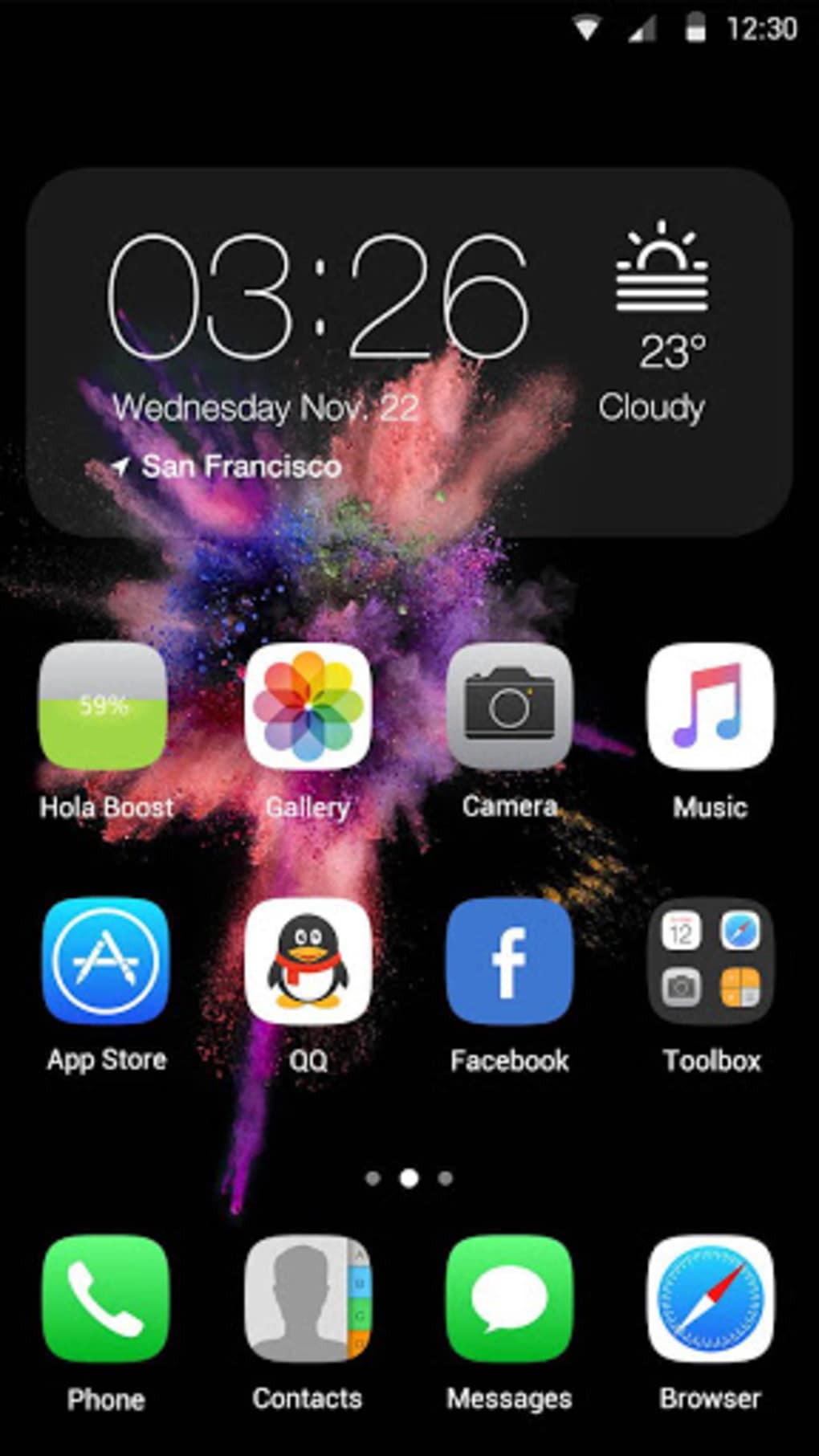
- Dynamic Color Splash Backdrops – Offers a variety of vibrant, animated wallpapers that transform the lock and home screens, creating a visually engaging experience.
- Minimalist UI Redesign – Implements sleeker button edges, refined fonts, and a cleaner layout to achieve a modern, uncluttered interface.
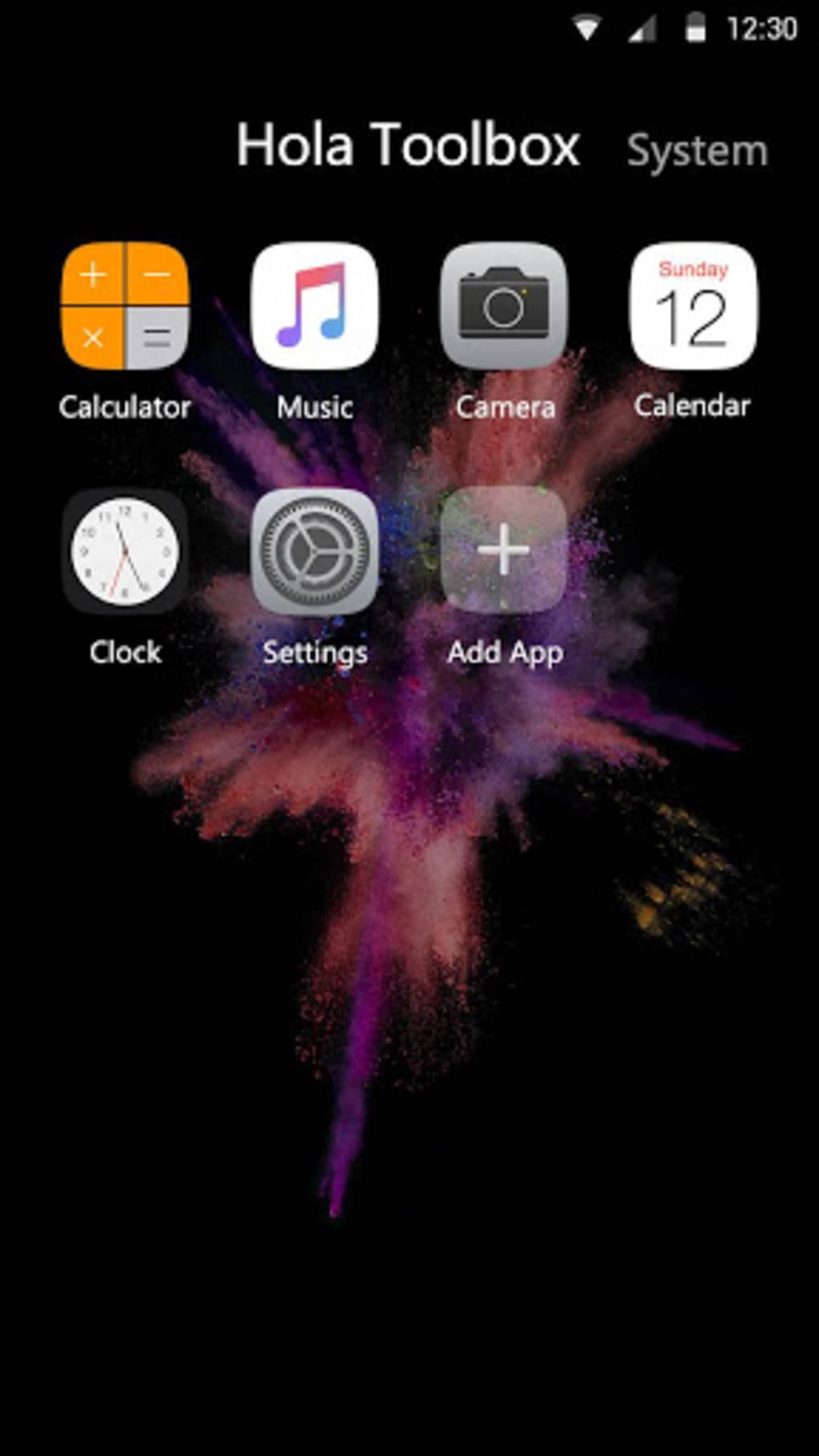
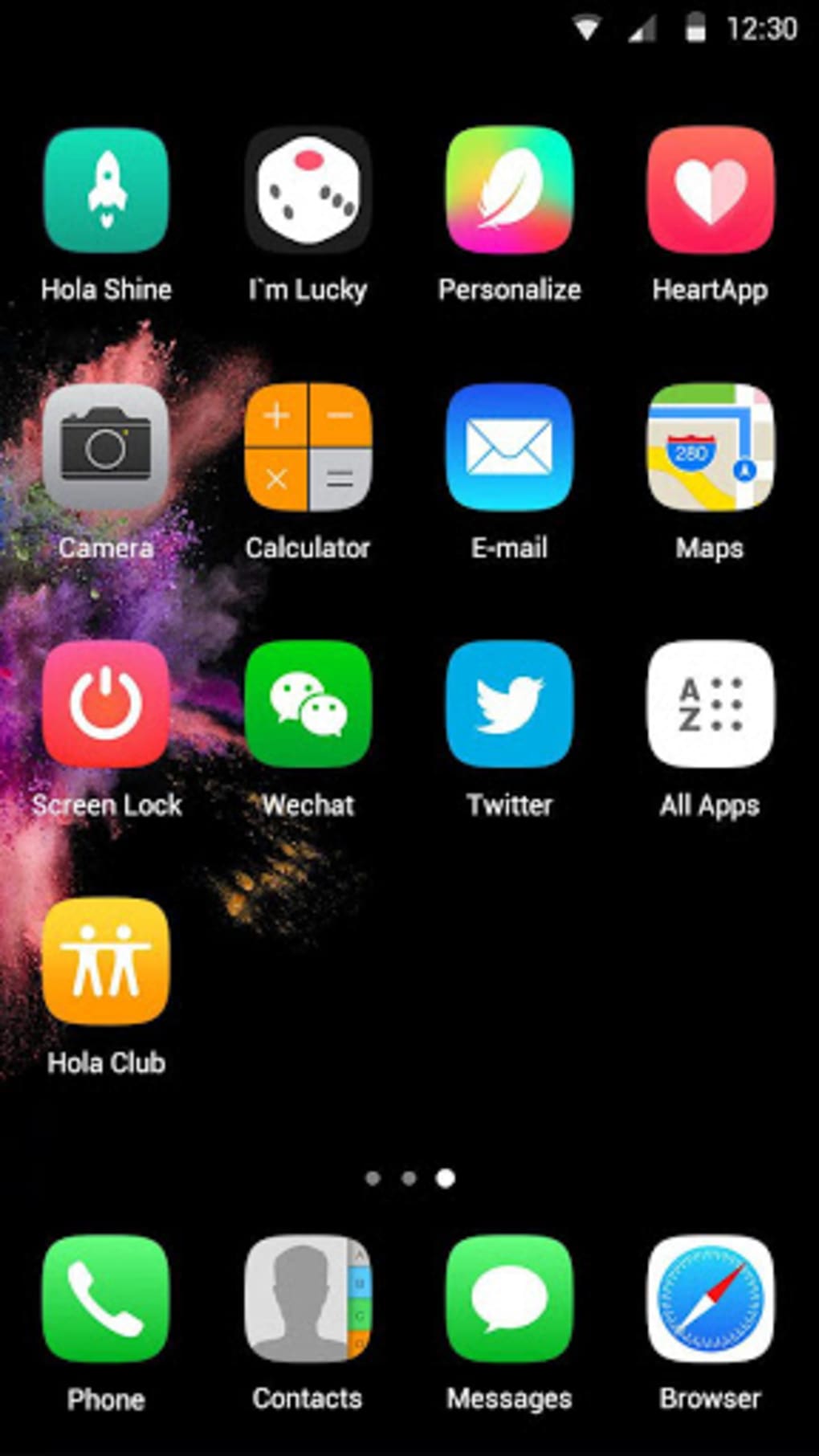
- App Organization System – Groups frequently used apps into logical folders and screens, improving accessibility and reducing time spent searching for functions.
- Integrated Widgets – Includes useful widgets designed to enhance daily productivity and quick access to essential tools.
- Seamless Theme Integration – Works exclusively with the Hola Launcher app, ensuring consistent visual and functional alignment across the device.
These features collectively support a more intuitive and enjoyable user experience. For example, the app organization system helps users manage large app libraries efficiently, while the dynamic wallpapers provide a sense of freshness and personalization. The minimalist design enhances readability and reduces visual fatigue during prolonged use. Since the theme relies on the Hola Launcher, all features are optimized for compatibility within that ecosystem, ensuring a cohesive experience across the device.
User Interface, Workflow & Performance
The user interface of the Colorful OS Hola Theme is built around a clean, minimalist aesthetic with an emphasis on visual harmony and ease of navigation. The layout features simplified icons, consistent spacing, and a refined typography system that improves legibility. Navigation is streamlined through a logical grouping of apps and functions, reducing the need to scroll through multiple screens.
Workflow efficiency is enhanced by the integration of widgets and smart folder systems, allowing users to access key tools and applications with minimal taps. The theme’s performance is expected to be stable within the Hola Launcher environment, as it is designed to operate seamlessly with its host application. However, exact performance details such as CPU or RAM usage were not specified by the developer. General software behavior patterns suggest that the theme operates efficiently, with minimal impact on device resources. Stability is likely maintained through tight integration with the Hola Launcher, though real-world testing data was not provided.
Compatibility & System Requirements
The Colorful OS Hola Theme is compatible with both Android and iOS platforms, making it accessible to a broad range of mobile users. It is designed to function within the Hola Launcher app, which must be installed prior to theme activation. The theme’s installation size is 12.5 MB, indicating a lightweight footprint that should not significantly affect device storage.
Exact system requirements were not listed by the developer. Compatibility information is limited to the operating systems mentioned. Users are advised to ensure the Hola Launcher app is updated to the latest version to maintain optimal performance. The theme does not require additional hardware specifications beyond standard smartphone capabilities. No specific CPU, RAM, or storage thresholds were provided for operation.
Pros and Cons
Pros
- Free to download and use, offering premium aesthetics at no cost
- Lightweight installation size of 12.5 MB
- Enhances visual appeal with vibrant, animated wallpapers
- Improves app accessibility through intelligent organization
- Designed for seamless integration with the Hola Launcher ecosystem
Cons
- Requires the Hola Launcher app to function, limiting standalone use
- Compatibility details beyond OS platforms were not provided
- No information on long-term performance or battery impact
- Dependent on external app for full functionality
- Minimal customization options beyond theme selection
FAQ Section
Is the Colorful OS Hola Theme available for free?
Yes, the theme is available at no cost through the Hola app store. It does not require a paid subscription or in-app purchases to access its features.
What devices support this theme?
The theme is compatible with Android and iOS devices. It requires the Hola Launcher app to be installed for functionality.
Do I need to install the Hola Launcher to use this theme?
Yes, the Colorful OS Hola Theme is designed to work exclusively with the Hola Launcher app. Without it, the theme cannot be applied or activated.
Is the theme safe to download and use?
As the theme is distributed through the official Hola app store and developed by Ying, it is considered safe for use. However, users should ensure they download the Hola Launcher from trusted sources such as the Google Play Store or App Store.
Can I update the theme regularly?
Yes, updates to the theme may be released through the Hola app store. Users are encouraged to keep the Hola Launcher app updated to receive the latest theme versions and improvements.
Final Thoughts
The Colorful OS Hola Theme delivers a compelling visual and functional upgrade for users seeking to refresh their mobile experience without investing in new hardware. Its vibrant design, minimalist interface, and smart app organization make it a valuable tool for enhancing daily usability. While it relies on the Hola Launcher for full functionality, this integration ensures a consistent and polished experience.
The free availability and lightweight design further increase its appeal. For users who value aesthetics, efficiency, and a modern interface, this theme offers a smart, cost-effective solution. Download Colorful OS Hola Theme now to give your device a fresh, vibrant look and a more intuitive workflow.





.png)

